Master Lofty CRM to Boost Your Lead Generation
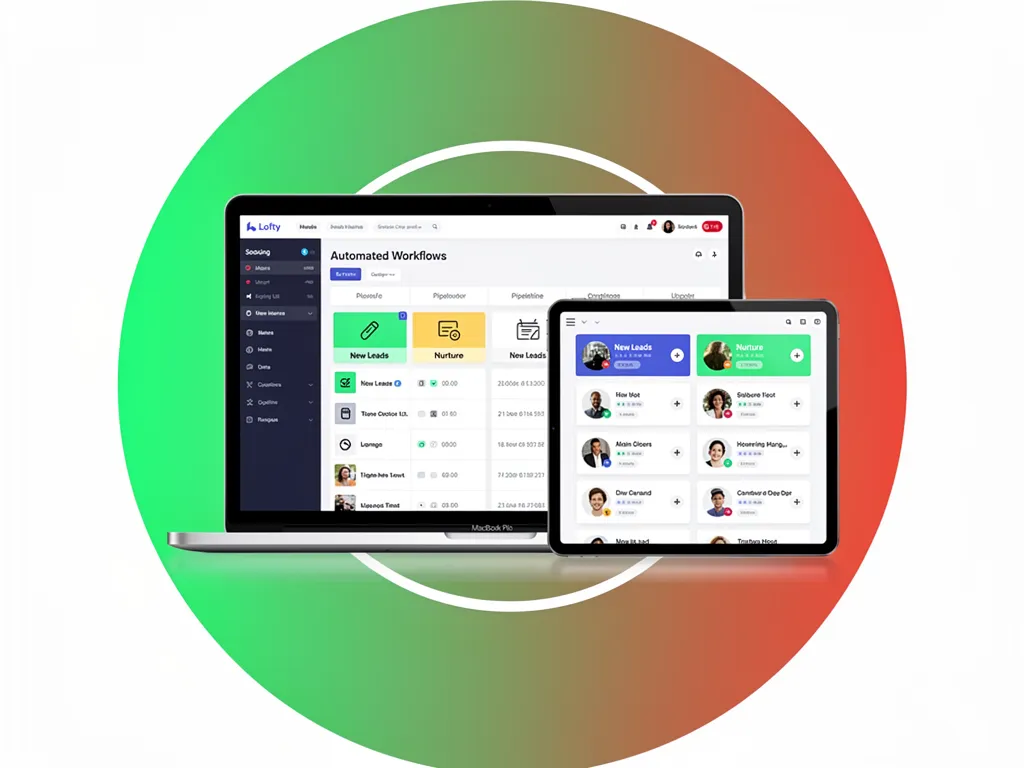
Getting Lofty CRM working the way your team needs means one dependable system that captures leads, automates timely follow-up, and tracks outcomes so agents convert more prospects into meetings and listings. Done well, real estate CRM automation turns scattered inquiries into a repeatable pipeline your whole team can trust. This guide walks through the configuration choices that matter, shows how automation shortens response time, and highlights the metrics that reveal real lead quality in Lofty CRM setups. Too many opportunities slip away because replies are slow, channels are scattered, and segmentation is weak — Lofty gives you capture forms, routing rules, and clear reporting to close those gaps. Ahead, you’ll learn how to improve capture and routing, build practical nurture sequences, connect email and social, track the right KPIs, tailor workflows for real estate, and fix common problems. We keep recommendations tactical: you’ll find step-by-step playbooks, sample rules, and templates you can use today to improve follow-up and conversion.
How Can Lofty CRM Improve Your Lead Generation Process?
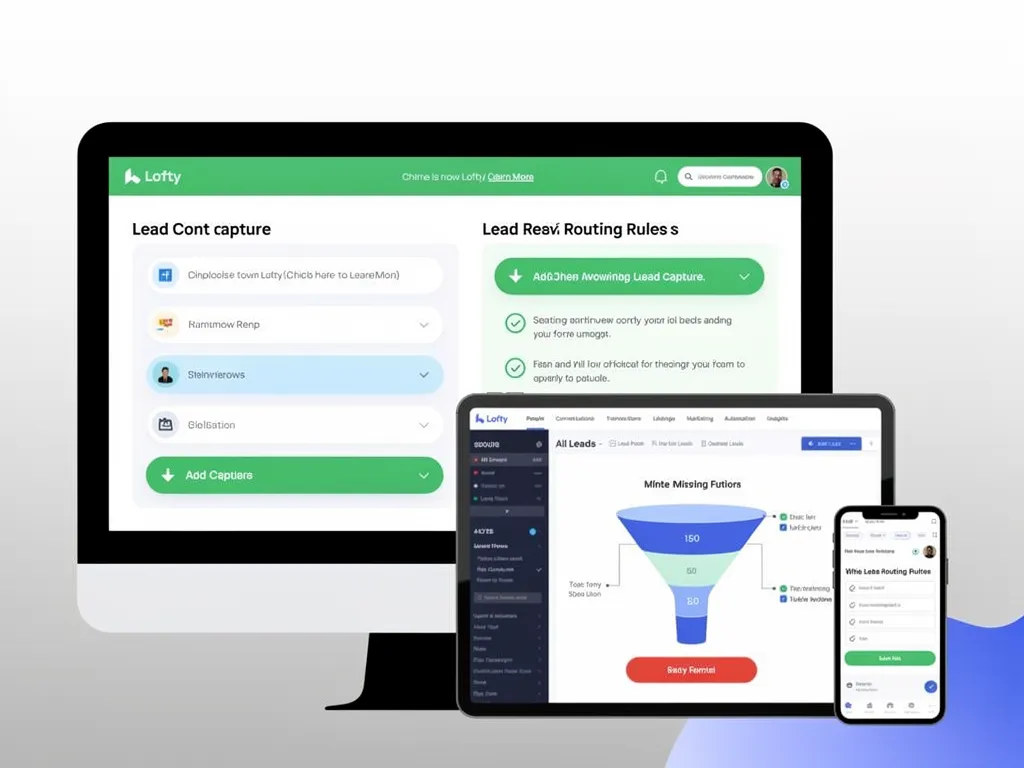
Lofty CRM makes lead generation more predictable by centralizing capture, automating qualification, prioritizing outreach with scoring, and surfacing the right data via dashboards and alerts. When leads flow into one system, routing rules, enrichment, and drip sequences replace manual handoffs and slow replies — and predictable, faster follow-up converts more prospects. For agents that means quicker contact with high-intent prospects, clear assignment rules, and measurable outcomes. Use this view to decide which capture and automation features to enable first.
The features that move the needle are practical — prioritized below so you can score quick wins during setup.
Lead Capture Forms and Landing Pages: Capture structured data at the source so automations can route and tag new contacts instantly. (<u>help.lofty.com</u>)
Automated Routing and Assignment: Build rules to assign leads by ZIP, price bracket, or agent availability to remove delays. (<u>help.lofty.com</u>)
Drip Campaign Templates and Auto-Responses: Instant replies plus a short nurture sequence increase engagement and appointment rates. (<u>help.lofty.com</u>)
Lead Scoring and Alerts: Score by behavior and source so high-priority contacts get same-day outreach. (<u>lofty.com</u>)
What Key Features of Lofty CRM Drive More Leads?
At its core, Lofty’s lead-growth toolkit is simple: capture tools, reusable message templates, routing logic, and integrations that tie marketing channels into the CRM. Forms and landing pages turn visitors into structured records that trigger automations like welcome messages or agent assignments. Reusable email and SMS templates keep outreach consistent, and integrations let calls and ad leads flow straight into workflows. Quick setup tips: turn on instant auto-responses, tag every new lead with a "source" label, and start with a simple 0–100 engagement score.
These building blocks form the operational backbone for lead generation and prepare you to run the automation examples that follow.
How Does Lofty CRM Automate Lead Capture and Management?
Lofty ingests leads from forms, landing pages, and ad platforms, then applies scoring, tags, and routing rules without manual steps. A typical automation flow looks like: web form → enrichment & tags → immediate auto-response → scoring rules → drip sequence or agent assignment based on score and territory. That removes human lag and ensures every inbound contact gets an immediate, relevant action — an SMS confirmation, an email, or an agent alert.
Automated Workflows: Ensuring Timely Lead Follow-Up Workflow automation handles tasks like sending welcome emails, assigning follow-up tasks to agents, and creating internal reminders. When workflows are set up intentionally, no lead falls through the cracks and responses happen on a predictable schedule.
A short checklist for automation: map your lead sources, create immediate auto-responses, define routing rules, and set a follow-up cadence. That checklist takes you from capture to consistent outreach quickly.
Automations reduce response time and boost conversion by ensuring high-intent leads get fast, repeatable attention and are moved into nurture streams that react to engagement signals.
If you want hands-on setup, Lofty CRM Buildouts and partners in the Information Hub provide implementation and migration support — from contact migration to starter templates — so teams reach working automations without trial-and-error. Hiring a buildout specialist is often the quickest path from plan to live workflows.
What Are the Best Strategies to Use Lofty CRM for Lead Nurturing?
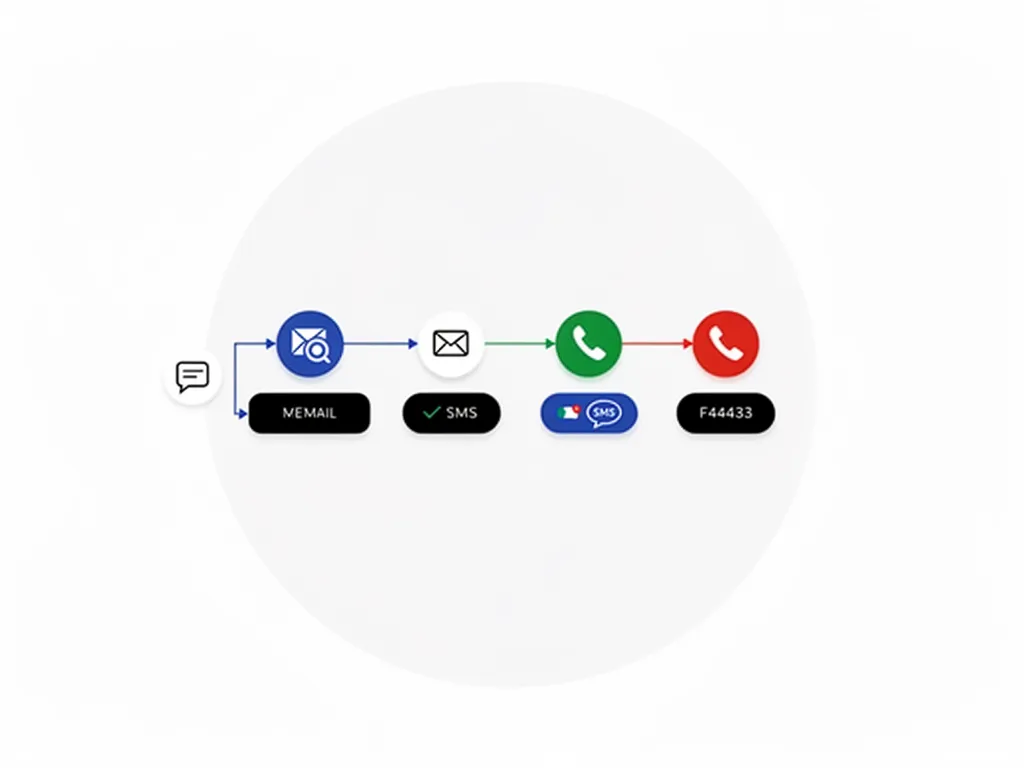
Effective nurturing in Lofty combines tight segmentation, targeted messaging, multi-channel cadences, and continuous testing to move prospects toward appointments. These lead nurturing strategies are what separate agents who convert consistently from those who let warm prospects go cold. The idea is simple: match message and timing to inferred intent so contacts get the right prompt when they’re most likely to reply. The payoff is higher appointment rates, better lead-to-listing conversion, and clearer ROI when nurture performance is tracked. These strategies create a disciplined pipeline that treats leads differently by source and behavior.
Here are tactical strategies you can apply now in Lofty.
Segmentation by Intent and Value: Separate buyer vs. seller, hot/warm/cold, and neighborhood interest so outreach is relevant. (<u>help.lofty.com</u>)
Multi-Channel Cadences: Layer email, SMS, and calls on a planned schedule to increase meaningful touchpoints. (<u>help.lofty.com</u>)
Personalization with Dynamic Tokens: Use property or neighborhood tokens so messages feel relevant and prompt replies. (<u>help.lofty.com</u>)
Test Cadences and Copy: A/B subject lines, timing, and CTAs to raise opens and conversions. (<u>help.lofty.com</u>)
Executing these strategies depends on clear segment definitions and ready-to-use email/SMS templates that fit agent workflows; the next section includes segmentation templates you can plug in immediately.
How to Segment Leads Effectively Within Lofty CRM?
Segment by source, intent, property preference, timeline, and perceived value. Practical rules look like: paid ad + listing page visit → "ad-engaged"; form submission indicating seller intent → "seller-lead"; three site visits in 7 days → "high-engagement". Store these attributes in tags and custom fields so automations can route and schedule the right cadences. Hot buyers get instant agent alerts and a short SMS sequence; long-term prospects move into a monthly content drip.
Clear segmentation reduces unnecessary touches and raises relevance — which improves reply rates and conversion. Next, we’ll cover the channels that deliver those messages.
Which Communication Tools in Lofty CRM Enhance Lead Follow-Up?
Lofty supports email, SMS, calling integrations, and task reminders so follow-up matches lead preference and urgency. Email works well for content-driven nurturing with measurable opens and clicks; SMS gets fast attention; calling integrations let agents log conversations and create follow-up tasks without leaving the CRM. Typical cadences:
Same-day SMS + email for new leads
Two business-day call attempts for hot leads
Weekly content emails for long-term nurturing
Sample message frameworks: an immediate welcome with a property link; a short follow-up asking the next question; a monthly market update with a clear CTA.
The right channel mix depends on segment and score — run tests to learn what works best for your market and lead types.
How Do You Integrate Lofty CRM with Other Marketing Channels?
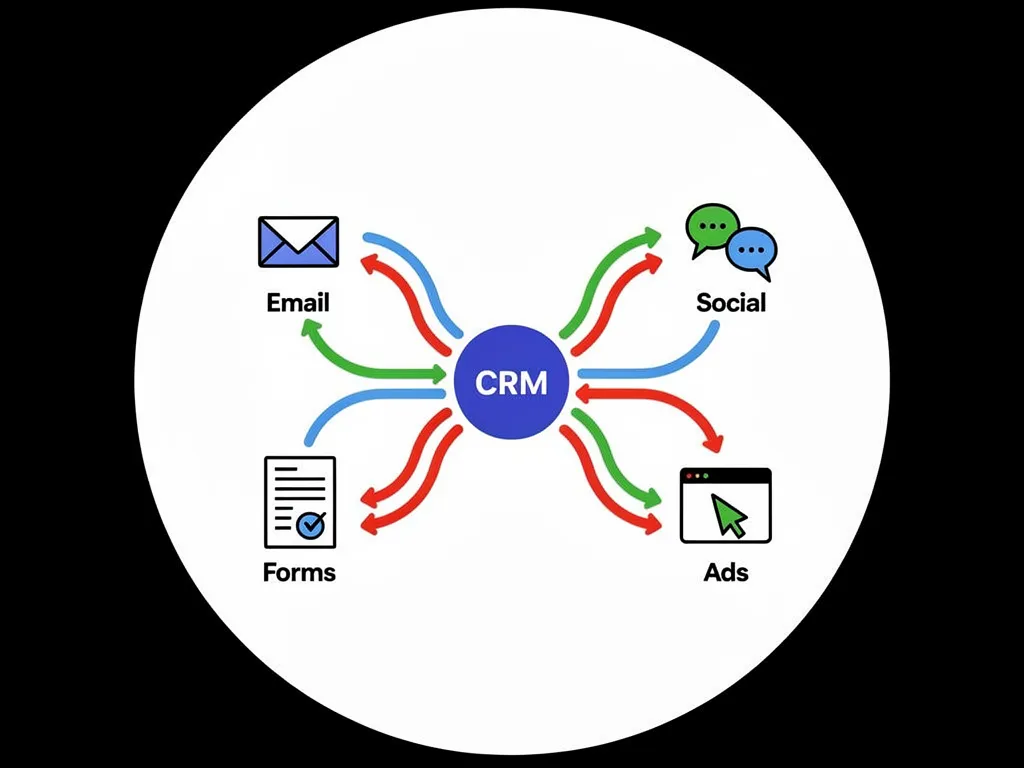
Connecting Lofty to email platforms, social lead ads, website forms, and ad platforms sends leads directly into workflows and reporting, creating a closed-loop system. Integrations come as native connectors, API syncs, or automation tools like Zapier — each has trade-offs in latency and setup effort. The payoff is unified contact records and attribution so you can see which channels deliver the best leads and optimize spend. Prioritize integrations based on expected lift versus implementation cost.
Integration table intro: The table below summarizes channels, common integration types, and the direct benefits for lead generation.
Channel
Integration Type
Benefit
Email platforms
Native or API sync
Personalized automations and open/click tracking tied to contact records
Social lead ads
Native connector/Zapier
Immediate capture of ad leads into workflows, reducing response time
Website forms
Plugin/API
Structured lead data feeds directly into routing and scoring rules
Paid ad platforms
API or connector
Attribution by source to measure ROI and optimize spend
Summary: Start with the channels that produce the most volume or the highest-intent leads, then layer in integrations that capture attribution and automate follow-up across the funnel.
What Are the Benefits of Connecting Lofty CRM to Email Marketing?
Linking Lofty to your email platform unlocks personalized automations, reliable engagement metrics, and the ability to trigger CRM actions from email behavior. Automated sequences — welcome series, listing alerts, re-engagement campaigns — can run end-to-end, and opens/clicks feed back into scoring so outreach escalates intelligently. Track open and click rates, email-to-appointment conversion, and unsubscribe rates as health checks. Strong CTAs include scheduling a tour, requesting a CMA, or booking a call to keep paths to conversion simple.
Email integration gives you scale for content-based nurturing plus the measurement layer you need to optimize cadence and copy.
How Can Social Media Integration Boost Lead Generation in Lofty CRM?
Social integrations capture leads from ad forms and inbox messages and push them into Lofty so follow-up can start immediately. The principle is "fastest-first": social leads are often time-sensitive, so wiring ad leads to an auto-response and assignment rule improves conversion odds. Example trigger: new Facebook Ads lead → instant SMS + email → score by engagement → agent alert on high score. Aim to respond to social leads within 15–60 minutes to best leverage intent.
Leveraging Multi-Channel Strategies for Digital Lead Conversion This synthesis highlights coordinated channel strategies, AI-driven personalization, CRM/CDP infrastructure, and retargeting. Across industries, orchestrated multi-channel campaigns — where messages are coordinated across email, social, web, and mobile — consistently improve digital conversion when paired with measurement and governance.
When social leads enter the same workflow as organic or website leads, you can apply consistent scoring and nurturing rules — and the pipeline becomes more predictable.
What Metrics Should You Track in Lofty CRM to Measure Lead Generation Success?
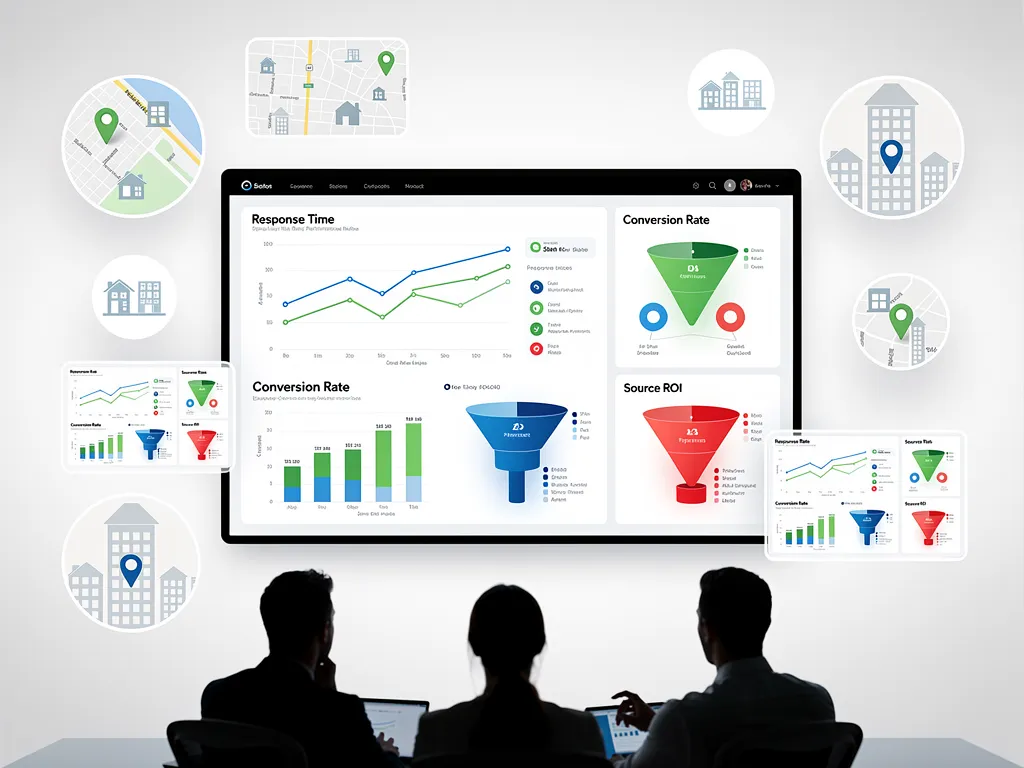
The right metrics reveal which sources deliver quality leads, how fast your team responds, and whether nurture converts into appointments and revenue. Core KPIs include response time, conversion rate by source, lead-to-opportunity rate, and cost-per-acquisition when you can attribute spend. These metrics let you set thresholds for automated actions (for example, escalate if no contact within X hours) and focus optimization. Pick dashboard widgets and a reporting cadence that turn data into immediate action.
Metrics table intro: Use the table below to compare critical lead-generation metrics, their definitions, and practical guidance.
Metric
Description
Why It Matters
Response Time
Time from lead capture to first contact
Faster responses increase conversion probability
Conversion Rate (Lead→Appointment)
Percentage of leads booked for appointments
Measures lead quality and outreach effectiveness
Lead-to-Opportunity Rate
Percentage of leads that become qualified opportunities
Shows qualification efficiency and segment performance
Source ROI
Return on ad spend or cost per lead by channel
Guides budget allocation toward high-value sources
Engagement Score
Composite of opens, clicks, site visits
Drives prioritization and scoring rules
Summary: Build a dashboard that combines response-time alerts, source conversion comparisons, and scoring distributions so you can act quickly on underperforming channels and scale what works.
Which Lofty CRM Reports Provide Insights on Lead Quality?
Reports that reveal lead quality include source performance, engagement breakdowns, scoring distributions, and conversion funnels. Source performance shows which channels bring the most qualified opportunities; engagement reports highlight the messages that drive interaction. Score distributions help set triggers for human outreach, and funnel reports expose drop-off points where nurture needs tightening. From these reports you can reallocate ad spend, tweak nurture copy, or tighten qualification rules.
Reading these reports fuels a data-driven improvement loop: test, measure, iterate until you hit your targets.
How to Use Lofty CRM Data to Improve Your Lead Generation Strategy?
Turn Lofty’s data into improvement with a simple loop: analyze, test, iterate. Review reports weekly to spot low-converting sources or slow-response segments; design focused tests such as a revised email cadence or a new routing rule; then iterate based on results, adjusting scores or budgets. Assign data ownership so someone runs reports and proposes experiments on a set cadence — weekly for tactical issues, monthly for strategic shifts. Example: if paid social drives many leads but few appointments, test a qualifying question on the ad form and compare conversion over four weeks.
Regular review cycles make insights operational and improve lead quality and ROI over time.
How Can You Customize Lofty CRM to Fit Your Unique Lead Generation Needs?
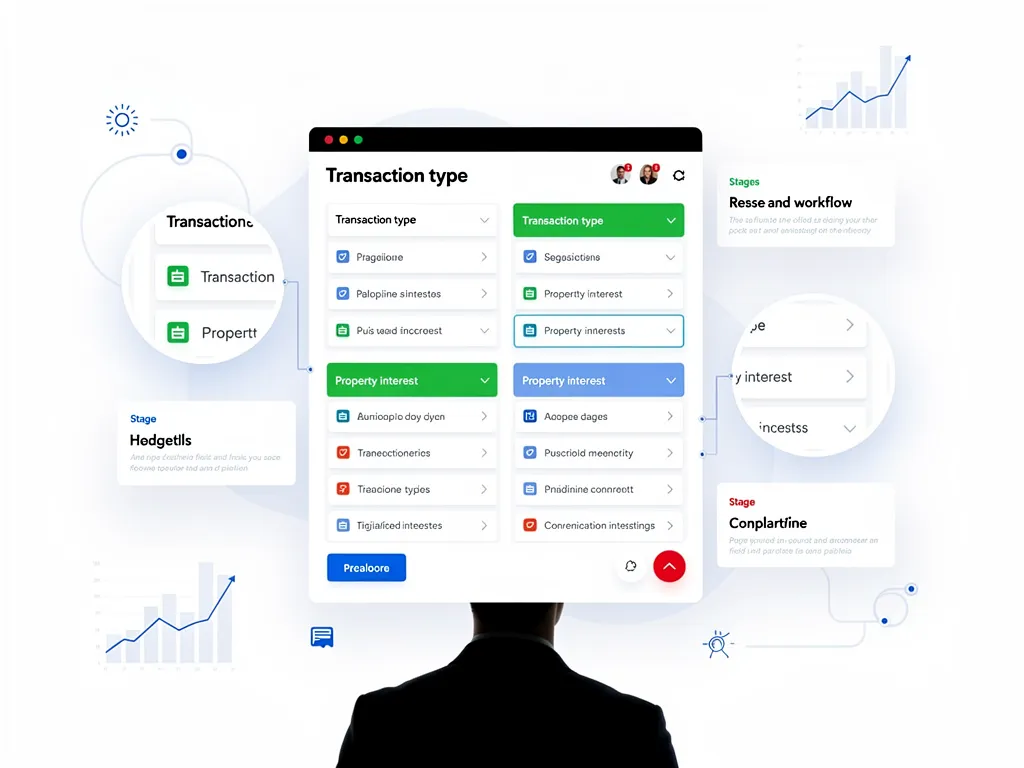
Customize Lofty by adding focused custom fields, tailoring pipelines, building workflows, and configuring scoring so the system mirrors your market, service model, and team. Capture the context (transaction type, timeframe, referral source) that drives routing and personalization. The payoff: more relevant follow-up, fewer misrouted leads, and cleaner segmentation for targeted campaigns. Start by mapping buyer and seller journeys, then create the fields and stages that reflect those paths.
Customization table intro: The table below lists example custom fields, suggested field types, and how to use them in workflows.
Custom Field
Type
Usage
Transaction Type
Dropdown
Buyer, Seller, Renter — drives pipeline selection
Preferred Area
Text/Tag
Used to auto-assign neighborhood-specific agents
Timeframe to Move
Dropdown
Prioritizes follow-up cadence for hot vs. long-term leads
Source Detail
Text
Stores ad campaign or referral specifics for attribution
Property Interest
Tags
Triggers tailored listing alerts and saved search drips
Summary: Build only the fields you’ll use in automations and reports, then test downstream flows for accuracy before rolling changes out to the team.
What Custom Fields and Workflows Enhance Lead Tracking?
Useful custom fields include transaction intent, timeframe, property features, preferred neighborhoods, and referral source. Workflows read those fields to route, score, and nurture contacts. For example, a workflow can check Transaction Type = Seller and Timeframe ≤ 3 months, then assign to a listing specialist, send a seller guide, and schedule a valuation call. Use naming conventions and dropdown options to keep data consistent, and mark key fields required on capture forms when appropriate. Mapping fields into automations reduces ambiguity and improves segmentation accuracy.
When fields and workflows mirror how your team sells, agents spend less time on data and more time closing deals.
How to Automate Lead Scoring and Prioritization in Lofty CRM?
Build automated scoring with points for source, behavior, and stated readiness. For example: 50 points for a referral, 30 for ad click + form visit, 20 for a listing inquiry, and recurring points for site visits. Use thresholds to trigger actions: ≥80 points → immediate agent notification and a call task; 40–79 → nurture sequence; <40 → long-term drip. Schedule recalculation and alerts, and link score changes to workflow transitions and task creation. Keep scoring rules documented so the model stays consistent over time.
Boost Lead Generation with Zoho CRM Workflow Automation CRM platforms that combine analytics, lead scoring, and workflow automation help teams streamline sales processes and improve engagement. Well-designed automations reduce manual work so reps can focus on high-value conversations.
A clear, pragmatic scoring rubric like this ensures high-priority leads get same-day outreach while lower-priority prospects stay engaged on an appropriate cadence.
If you prefer a turnkey option, Lofty CRM Buildouts and Information Hub partners can define fields, build scoring models, and implement assignment rules — request a consultation to tailor these elements to your market.
What Are Common Challenges When Using Lofty CRM for Lead Generation and How to Overcome Them?
Common challenges include duplicate contacts and messy data, slow agent adoption, and overly complex automations that create noise. These problems usually come from inconsistent capture fields, weak governance, and limited training — which together erode trust in the CRM. Fixes include standardizing naming conventions, running regular deduplication, providing role-based training, and keeping automations simple and tested. These steps improve reliability and adoption.
Use the checklist below to prevent data overload and keep your CRM tidy and usable.
Standardize Fields and Dropdowns: Limit free-text where possible to maintain consistent data for automations. (<u>help.lofty.com</u>)
Schedule Regular Deduplication: Run weekly checks for duplicates and apply merge rules to preserve contact history. (<u>help.lofty.com</u>)
Archive Stale Leads: Move contacts with no engagement after a defined period into an archive segment to reduce noise. (<u>help.lofty.com</u>)
Automate Guardrails: Use validation rules and required fields to prevent incomplete records from entering active workflows. (<u>help.lofty.com</u>)
How to Avoid Data Overload and Maintain CRM Cleanliness?
Prevent overload with clear naming conventions, required-field policies, regular deduplication, and automated cleanups that tag or archive stale contacts. A practical schedule: weekly duplicate scans, monthly field audits, and quarterly pipeline reviews to archive closed or inactive records. Use validation on forms and be selective with enrichment so records don’t fill with low-value attributes. Automations that archive or re-tag inactive contacts keep the database manageable.
Keeping the CRM clean reduces friction for agents and preserves the accuracy of reporting and scoring — both of which improve how leads are handled.
What Support and Training Resources Are Available for Lofty CRM Users?
Lofty users have access to documentation, role-based trainings, and external buildout specialists for complex setups. A good training cadence includes an admin kickoff onboarding, focused sessions for agents on daily workflows, and quarterly refreshers when automations or fields change. If internal bandwidth is limited, hiring a specialist for a targeted buildout — custom fields, workflows, scoring — can speed results while keeping your team productive. Whether to hire depends on your scale, complexity, and desired speed-to-value.
Lofty CRM Buildouts and the Information Hub offer buildout support and workflow templates if you prefer professional implementation to reach your lead-generation goals faster. (<u>mycrmhq.com</u>)
Frequently Asked Questions
What are the key benefits of using automated workflows in Lofty CRM?
Automated workflows make lead management predictable and reliable. They ensure new leads get an immediate touch, cut repetitive tasks, and free agents to focus on conversations that close deals. Consistent automation improves response speed and message quality, which together lift conversion rates.
How can I ensure data quality within Lofty CRM?
Protect data quality by standardizing naming conventions, limiting free-text fields, and enforcing validation on capture forms. Schedule regular deduplication and field audits to keep records clean. These practices preserve historical context and make automations and reports trustworthy.
What strategies can I use to improve lead segmentation in Lofty CRM?
Segment using clear, measurable criteria: source, behavior, intent, timeline, and value. Capture these attributes with custom fields and tags, then apply tailored cadences. Review segments regularly and refine rules based on performance so messaging stays relevant.
How does Lofty CRM support multi-channel communication for lead follow-up?
Lofty integrates email, SMS, and calling tools so you can reach leads on their preferred channels. Build automated multi-channel sequences that escalate from fast-touch SMS to calls for hot leads. This coordinated approach increases contact rates and speeds the path to appointments.
What are the common pitfalls to avoid when using Lofty CRM for lead generation?
Watch for messy data, weak onboarding, and overly complex automations. Inconsistent capture and poor governance lead to duplicates and low trust. Counter these issues with clear standards, regular cleanups, and targeted training so the team uses the CRM correctly.
How can I measure the effectiveness of my lead generation efforts in Lofty CRM?
Track KPIs like response time, conversion rates, and lead-to-opportunity ratios. Use reports to compare source performance and set thresholds that trigger automation or human follow-up. A steady reporting cadence turns data into decisions and smarter budget choices.
Conclusion

When configured and used deliberately, Lofty CRM makes lead generation dependable: it centralizes capture, automates timely follow-up, and surfaces the metrics you need to improve conversion. Apply the strategies in this guide to sharpen workflows, shorten response times, and nurture high-intent leads more effectively. Start with a few prioritized automations, measure results, and iterate — you’ll see clearer pipeline performance and better appointment rates.


